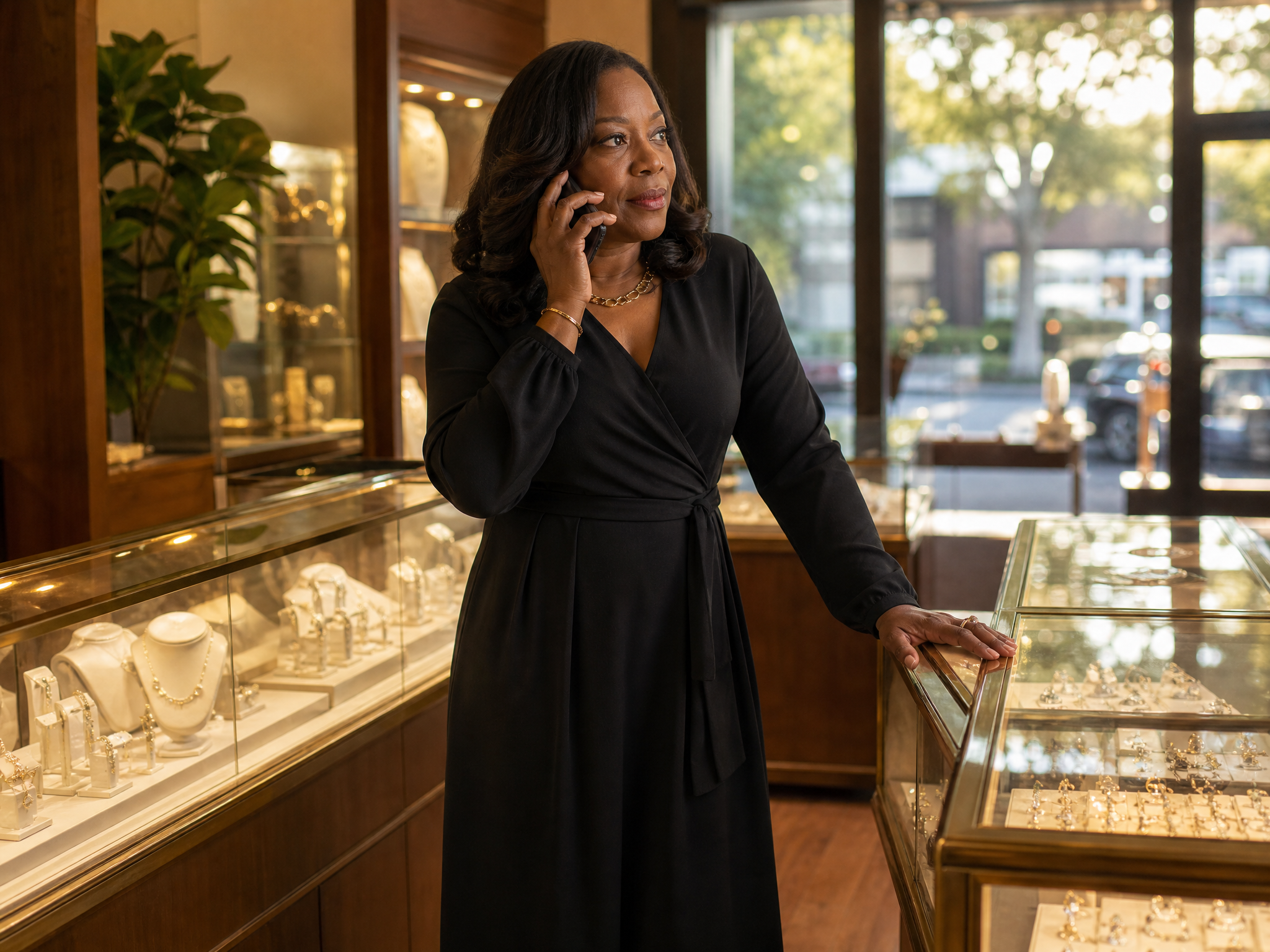
%202%20(2).png)
A longtime client buys an anniversary gift at your downtown store in March. In July she stops into your newer location across town, and the associate there greets her like a stranger: asks for her name, keys it in with a slightly different spelling, and starts a fresh profile. Now her purchase history lives at one store, her ring size at another, and the note about her daughter's graduation lives only in one associate's memory.
This is the multi-location data problem, and nearly every growing jewelry retailer hits it. Clients do not think of themselves as belonging to a branch. They belong to your brand, and they expect the person behind any of your counters to know them. Your systems, meanwhile, are usually organized store by store.
Keeping customer data consistent across all stores comes down to four things: one client record shared by every location, your POS feeding that record automatically, notes and wishlists that travel with the client, and attribution rules that keep sales credit fair between stores. Here is how each piece works, plus the cleanup habits that keep a shared database trustworthy.
Why Client Data Fragments When You Add a Second Store
Fragmentation rarely comes from carelessness. It comes from speed. On a busy Saturday, an associate ringing a sale types the client in fresh rather than hunting for an existing record. Multiply that by two or three locations and the cracks appear quickly:
The same person gets entered as Kathy at one store and Katherine at another, and nobody ever connects the two profiles.
A client who already exists gets re-entered at the point of sale, so each POS record carries its own internal ID and the software sees two people, even when the name and phone number match.
Notes, sizes, and preferences get captured in whatever that store happens to use: a client book, a spreadsheet, the back of a repair envelope.
Customer groups and tags built in one system never make the trip to the next one.
Ask any clienteling support desk about this and one question tops the list: why do we have duplicate client profiles when the name and number already matched? Because most retail software does not connect records across stores unless it was designed to.
The cost shows up quietly. An associate works blind with a client another location knows well. A marketing text arrives from a number the client has never seen. Reports double count people who shop at two branches, and two associates dispute who earned a sale. Together, these erode the personal touch that justifies a jewelry store's existence.
What Consistency Actually Requires
One client record, every store
The foundation is a single shared client database for the whole company. A client who shops at three of your locations is still one person, so she should be one profile: one purchase history, one set of preferences, one message thread. A separate client list per store guarantees fragmentation, no matter how disciplined your team is.
Your POS as the source of truth for transactions
Purchase history should never be typed into a client record by hand. A POS integration syncs sales into the profile automatically, and a purchase at any store lands on the same unified record. This is why the POS question comes first when choosing clienteling software: check which jewelry store POS systems your clienteling platform connects to before anything else. For multi-store retailers on a cloud POS built for chains, our Clientbook and Lightspeed guide for multi-location jewelry stores covers how a unified client record behaves across locations on that system.
Notes, wishlists, and preferences that travel
Transactions are only half the record. The other half is the human detail: metal preferences, the bracelet she admired in the case, the wedding date, how she likes to be contacted. When those live on the shared profile instead of a local notebook, a client can admire a piece downtown and her husband can buy it at your suburban store a month later, with the associate already knowing exactly which piece. That is the moment multi-store clienteling exists for.
Attribution that keeps credit fair between stores
Multi-store teams run on trust in the numbers. Every sale should attribute to the associate who earned it, with the store preserved, so managers can compare locations on equal terms. Outreach credit should cross store lines too: when one location sends the text and the client buys at another, the sale should trace back to the original outreach. Get this right and associates stop guarding clients from their own coworkers, because sharing the record no longer costs them the commission.
The Pattern That Works: A Home Store Plus Visibility Everywhere
Once every client lives on one shared record, one question remains: which store does she belong to? The answer that works: every client gets a home store, usually the location of her first purchase, and every location keeps full visibility.
In Clientbook this is called the preferred store, and it does a few specific jobs:
Each location has its own texting number, and automated messages and mass marketing send from the client's preferred store, so she always hears from a number she recognizes.
Reporting and audience building can group clients by home store, while purchases still land on the profile wherever they happen.
Nothing gets hidden. Associates at other locations still see the full profile, history, and notes when the client walks in.
One-on-one texting follows the associate rather than the client: messages send from the store inbox you are signed into, and a well-designed system warns you before texting a client from a different number than her last conversation used. And the home store is not a cage: if a client starts shopping at your other location, you can change it on her profile in a few clicks.
Keeping the Shared Record Clean
Matching rules that stop most duplicates
When a new profile syncs in, good software checks the POS ID first and updates the existing client on a match instead of creating a second record. With no POS ID, it falls back to matching the name plus a phone number or email. Know your system's rules, because they are usually strict: exact-match means John Smith and Johnny Smith become two profiles.
Merging the duplicates that slip through
Some duplicates get past any rule, so you need a merge tool managers can run themselves. In Clientbook, managers and admins merge two profiles directly from the client record on the web dashboard or the mobile app: one profile is kept, the other archived, and tags, life events, messages, appointments, and history combine onto the kept profile, with a field-by-field choice wherever the two disagree. If both records came from your POS, both POS IDs stay linked to the kept profile, so future sales rung against either still land in the right place. Merges are permanent and logged, which keeps cleanup deliberate.
A four-line data hygiene SOP for associates
Search before you create: check by phone, then email, then name.
When possible, create new clients in the POS at the sale, so the record syncs over with its POS ID attached.
Standardize names as a team: legal name in the name field, nickname in preferred name.
Have a manager scan for near-duplicates monthly and merge what they find.
Capture discipline pays off fast. Wilson Diamonds increased contact capture from under 5 percent to 90 percent, and that difference compounds across every store you operate: you cannot keep data consistent that never got captured at all.
How Clientbook Handles Multi-Location Jewelry Stores
Clientbook was built for jewelry retail, and multi-store operators use it as the shared client layer on top of their POS. Hundreds of jewelry retailers run Clientbook, and the pieces described above are how the platform works out of the box: one client database across all locations, a preferred store on every profile, automated and mass messages sent from the home store's number, full profile visibility on the dashboard and mobile app, self-serve duplicate merging for managers, and per-associate sales attribution with the store preserved.
It connects to the POS systems jewelry stores actually run, including The Edge, Jewel360, RAIN, ASC, Lightspeed, and Shopify POS, so transactions flow onto the shared profile automatically. Rethinking your whole stack rather than just the client database? See the technology successful jewelry stores are using in 2026 for how the POS, clienteling, and marketing layers fit together.
Frequently Asked Questions
Why do we have duplicate client profiles even though the name and phone number match?
Usually the client was re-entered at the point of sale, creating a second record with its own POS ID. Matching runs on POS ID first and exact name plus contact info second, so a new POS entry or a small spelling difference slips past it. The fix is a merge; the prevention is searching before creating.
Does a client's preferred store change when she buys at another location?
No. In Clientbook the preferred store is set when the profile is created, typically by the first purchase, and later purchases at other locations do not move it. Purchases from every store still appear on her one profile, and you can change the preferred store manually whenever her shopping pattern changes.
Can associates at one store see notes and purchase history from another store?
Yes. By default, profiles, notes, wishlists, and purchase history are visible across locations, so any associate can pick up the relationship where the last one left off. That is the point of a shared record.
Who gets credit when one store's outreach turns into a sale at another store?
With a connected POS integration, the sale attributes back to the original outreach and the associate who sent it, even when the transaction rings up at a different location. That cross-store credit is what makes associates comfortable sharing one client database.
Can we merge two profiles that both came from our POS?
Yes. Clientbook links both POS IDs to the kept profile, so future sales against either ID land in the right place. The merge happens in Clientbook only; combining the records inside your POS has to be done in the POS itself.
See Your Stores on One Client Record
The fastest way to understand shared client data is to see it at your own store count. On a demo, we will walk through what each location's associates see on the same client, how the preferred store shapes messaging, and how merges and attribution work day to day.
Book a demo at clientbook.com/demo and tell us how many locations you run. We will tailor the walkthrough to your setup.
Related reading:
Clientbook + Lightspeed: Clienteling for Multi-Location Jewelry Stores
Does Clientbook Work With My Jewelry Store POS? (Yes, and Here's the Full List.)