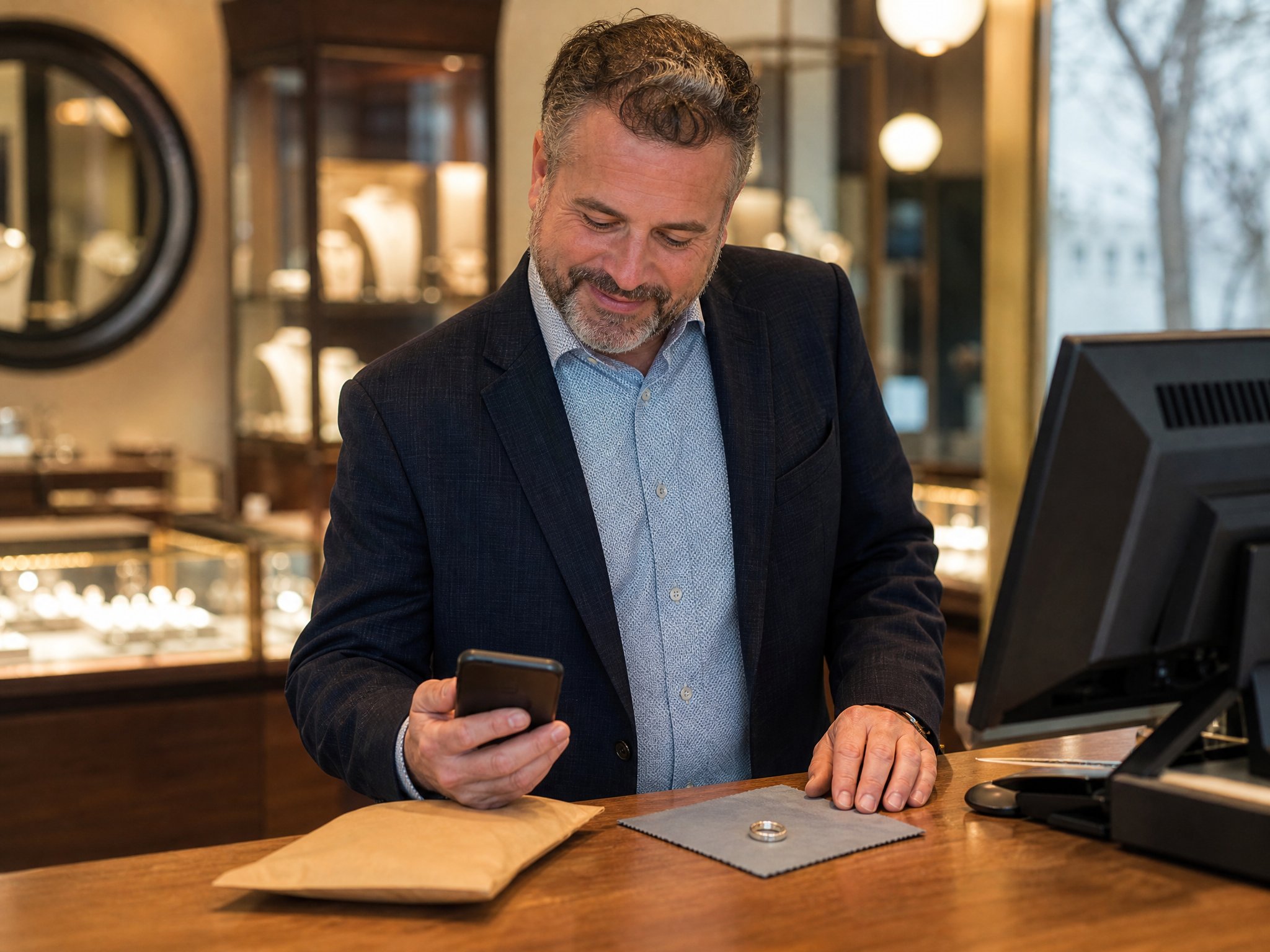
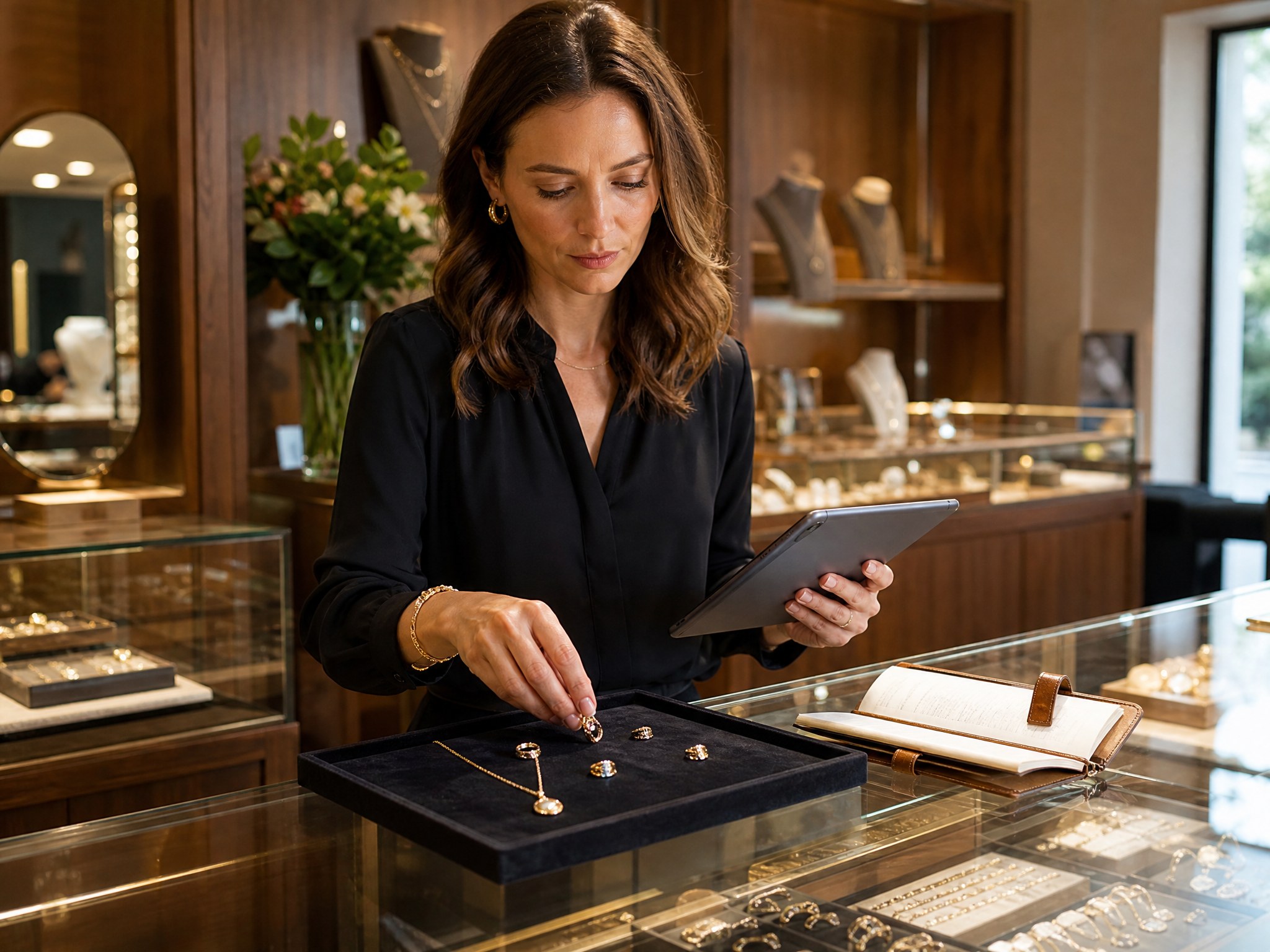
When deciding where to shop, the vast majority of today's consumers look to the internet and online reviews to learn more about nearby businesses where they're considering spending their money.
BrightLocal's 2026 Local Consumer Review Survey found that 97% of consumers read reviews for local businesses, and 85% say positive reviews make them more likely to use one.
As a retailer, given that so many of your potential customers are letting your business reviews play such a key role in their buying decisions, it's worth building a steady flow of honest reviews from real customers.
So how do you get more reviews? Here are five ways, and where Clientbook fits.
Why are customer reviews important in the retail industry?
Before we dive into our tips on how to get more reviews, here's why they're worth the work.
- They help with customer acquisition: When a prospective customer checks out your business on Google Business Profile, social media platforms, or another review platform, they're looking for a reason to shop with you. A positive story shared by one of your loyal customers may be all they need to drop by.
- They influence customers' purchase decisions: Buyers review specific products as well as your business. So if you're a furniture store owner and a buyer sees a lot of negative experiences others have had with a specific couch from its product reviews, they'll think twice before buying it, and you may want to reconsider if it's worth keeping in stock.
- They foster a sense of community: By hosting a place for buyers to leave a business review, you're giving them a place to share your business with others who are looking for a brand with products like yours. And the more entries you get, the more you'll foster customer loyalty with your buyers.
Five ways to get more customer reviews
Whether you're just getting your online business profile started or are looking to grow a listing that's gone quiet, the tips below will point you in the right direction.
1. Get to know your clients through clienteling
Reviews come from experiences worth writing about, and the most reliable way to create those experiences is through clienteling.
Clienteling is a technique retailers use to build long-term relationships with their buyers by having sales reps focus more on creating a connection with shoppers over just closing a sale.
Doing things like using relationship selling techniques, asking open-ended questions, getting to know buyers' likes and dislikes, and following up with them often are all part of clienteling.
As your retail sales associates make a habit of clienteling, they'll earn your buyers' trust, and over time, their review.
2. Offer a personalized shopping experience
Clienteling is what makes personalization possible. When associates know a client's history, they can recommend what actually fits.
A 2019 Google and BCG study found that shoppers were 40% more likely to spend more than planned when the experience felt highly personalized.
If your sales associates are doing their job clienteling, they'll be gathering important client data, including their purchase history, product preferences, and who they like to shop for. That lets them make personalized offers that will keep them coming back to your store.
3. Ask every qualifying customer, the same way
Next, set a simple rule for which sales qualify, such as completed purchases and repair pickups, and when the request goes out. Then send it to every customer who meets that rule. A consistent ask is how a review count grows.
It can feel safer to ask only the customers who seem happiest, but Google's review policy prohibits businesses from discouraging negative reviews or selectively soliciting positive ones. Asking everyone also gives shoppers a more honest picture of your store, and replying to every review, good or bad, shows shoppers how you handle problems. In BrightLocal's 2023 survey, 88% of consumers said they'd likely use a business whose owner responds to all reviews.
Timing still matters. Send the request soon after the purchase or pickup, while the experience is fresh. Use a fixed window so a frequent buyer isn't asked after every visit, for example skipping anyone asked in the last 60 days. Hold the ask on a surprise gift or an engagement ring until after it's been given. Exceptions should be about logistics, never about how happy someone seemed. If a customer had a problem, reach out directly and make it right. They still get the same review request as everyone else.
4. Don't be afraid to ask for reviews directly
Asking can feel forward, but customers respond to it. BrightLocal's 2026 Local Consumer Review Survey found that 83% of people who were asked to leave a review went on to leave one.
This could be in a follow-up email after they've made an online purchase, in person from a sales rep, with a QR code to your review link on a card they can take home and no pressure to post on the spot, or as a pop-up on your website after a buyer has completed their online shopping.
You can also automate this process to make it simpler on yourself. For example, an automation can text your review link after each qualifying purchase or pickup, so the ask doesn't depend on who was working that day.
5. Showcase the reviews you do have
Finally, as reviews come in, share the ones customers wrote, along with customer stories, where your prospective customers can see them.
Whether that's in social posts, on your website, or even around your physical store, make the most of the kind words shared about your brand.
If you have a lot of detailed reviews on your business profile, you can break them up into several bite-sized quotes that are more shareable. However you share them, putting real customer reviews where others can see them puts your best customer stories in front of new shoppers.
How Clientbook can help
Earning loyal clients and a steady stream of honest feedback takes a lot of time, effort, and dedication. Software can take over the repetitive parts.
That's where clienteling software like Clientbook comes in. Clientbook is a client management software that helps retail sales associates keep track of client information, automate follow-ups, and send a Google review request after each qualifying sale, whether an associate sends it, an automation does, or your POS prompts it. Google reviews then sync into the Clientbook inbox so your team can reply.
If you're interested in seeing how Clientbook works, get a first-hand look by exploring our feature pages.
Conclusion
A strong rating comes from good service and a steady, consistent ask. Follow these steps and your profile will reflect the experience your store actually delivers.
Plus, with a clienteling tool like Clientbook, your associates will have the client history and review tools to follow up with every buyer. Schedule a demo today to see how Clientbook can help you reach your goals for your retail business.