%202%20(2).png)
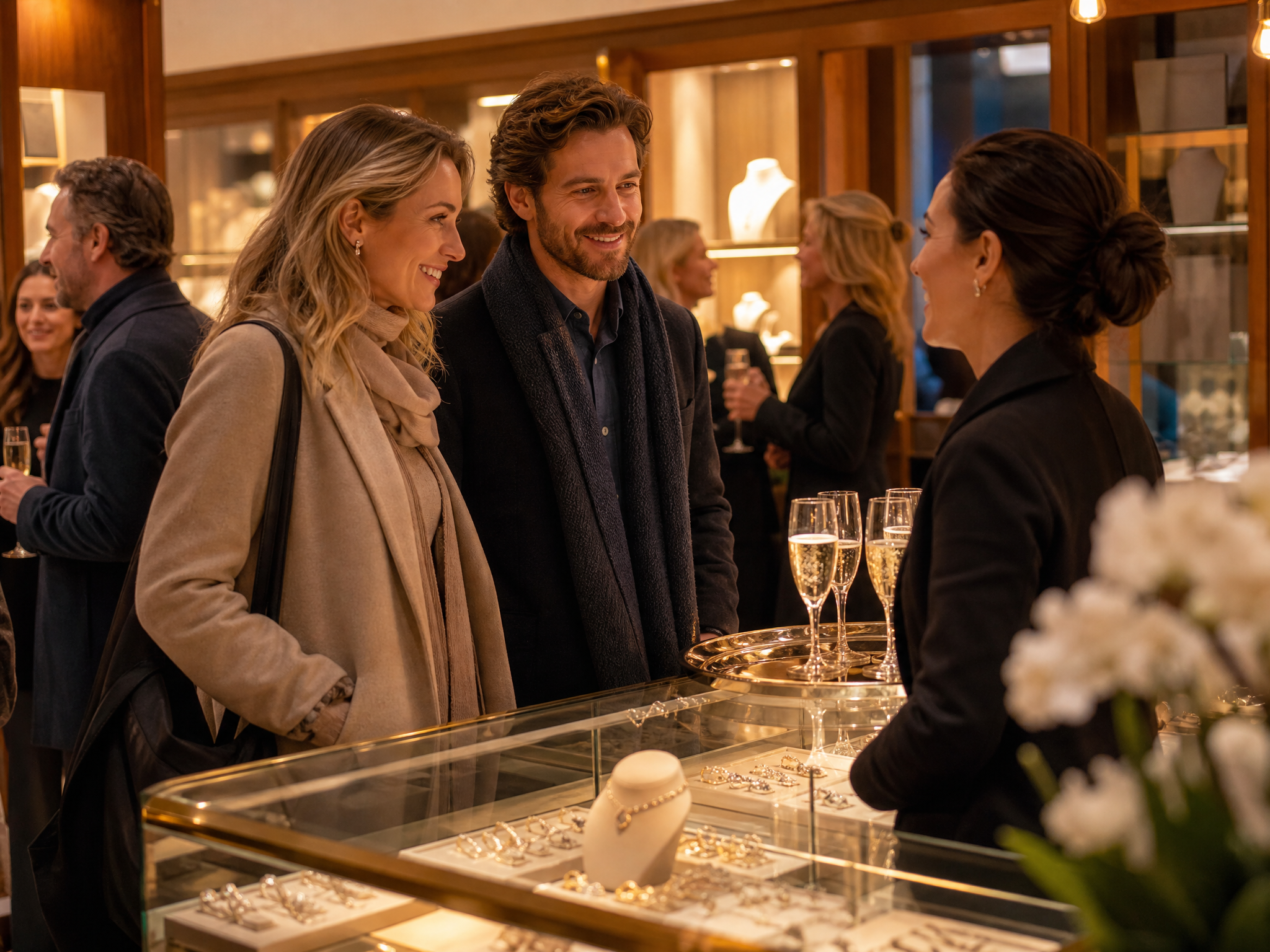
Walk into a jewelry store event that worked and you can feel the difference within a minute. The room is not just full, it is scheduled. Customers arrive at times they chose, an associate greets them by name, and the pieces they came to see are already out of the case. None of that comes from a stack of RSVPs. It comes from booked appointments.
An RSVP is a polite maybe. It costs the customer nothing to give and nothing to break, which is why so many event nights open with a quiet first hour and a manager counting champagne glasses. A booked appointment is different in kind, not just degree: the customer has reserved a time, an associate is expecting them, and there is a reason to walk in the door, whether that is a designer trunk case or a piece on hold with their name on it.
The catch is that appointments take conversations, and conversations take staff time most jewelry stores do not have. Owners say a version of the same thing on call after call: the team is too busy working in the business to run an outreach campaign on top of it. This guide covers why booked appointments outperform RSVPs, why email blasts rarely produce them, the mechanics of turning an invite into a booked slot over text, and a done-for-you path that fills the calendar without asking your staff to send a single message.
Why Booked Appointments Beat Vague RSVPs
A guest list full of RSVPs tells you who felt friendly the day the invite arrived. It does not tell you who is coming. A calendar full of appointments tells you three things an RSVP never can.
Commitment. A reserved time is a plan. People keep plans at a far higher rate than they honor sentiments, especially when a confirmation lands the day before with a real person's name attached.
Preparation. When you know who is coming at 2 p.m., the assigned associate can review their purchase history and wishlist, pull the pieces they have admired, and open the conversation somewhere useful. Prepared conversations are the ones that close, which is a big part of how appointments and events increase conversion and revenue for jewelers.
Staffing. A schedule tells you how many associates you need and when. RSVPs leave you guessing between an empty floor at noon and an overwhelmed one at six.
Why Email Blasts Rarely Turn Into Appointments
Most event invitations go out as an email blast, and most email blasts share a fatal design flaw: they are broadcasts pretending to be invitations. Booking an appointment is a conversation, and the typical blast makes conversation impossible because it arrives from a no-reply address. The customer who genuinely wants to come has no one to answer.
Even when replies are possible, the medium works against you. An event invite competes with every other promotion in a crowded inbox. Wilson Diamonds publishes a 98 percent read rate and an over 71 percent response rate on the texts its associates send, mostly photos of pieces a client just looked at. That is a texting result from their clienteling, not a benchmark for event invites, and it is not a claim about every email program. It is a reason a no-reply blast is the wrong shape for a conversation that has to end with a time.
The booking link does not rescue the blast either. A link asks the customer to leave the message, load a calendar, and pick from a grid of slots, and every added step sheds people. A text that asks one easy question can be answered in ten seconds from the couch.
The Mechanics: How an Invite Becomes a Booked Slot Over Text
The loop that converts an invite into a booked appointment has four steps. None are complicated, but all take attention, per customer, per reply.
- Send a personal invite, not an announcement. It comes from your store, addresses the customer by name, and references something real: the designer they collect, the piece they admired last visit, the anniversary coming up. There is a full playbook in how to send personalized event invitations to your top clients.
- Offer two windows. Skip the vague hope-to-see-you-there close. Ask which of two times works better, Saturday morning or Sunday afternoon. A question with two good answers gets answered. An open invitation asks the customer to do the planning, so most do nothing.
- Confirm like a restaurant confirms a reservation. Reply with the exact time, the name of the associate who will be there, and what will be waiting. The confirmation is what turns a friendly reply into a kept commitment.
- Prep the associate. Before doors open, everyone on the floor knows who booked with them, what those customers own, and which case to walk them to first.
The loop is short when it runs well. The published H.L. Gross case study includes a thread from that first campaign. The store had not texted customers before, so this was a cold invite: a yes, a choice of day, and a Sunday 2 p.m. time offered in the thread. The case study captions it as five messages. The customer's "sounds great" is a sixth bubble. Either way there is no booking portal and no phone tag. The time gets set in the conversation.
If Your Team Runs It: The Software Layer
Stores that run this loop themselves usually run it on clienteling software rather than personal phones, so every invite, reply, and booking stays visible to the store. In Clientbook, the Events feature is the self-serve campaign tool, on the Elite plan (Premiere includes it; Signature does not). You create the event by name, then select that event when you build the message, which is the path our help center documents: Events, then Select an event, so the mass message belongs to the event. Clientbook Appointments is a separate booking layer: a time on a client profile. Tying those bookings back to the event is what makes the result measurable afterward. If you need each appointment attached by name at the moment you book it, confirm that control with support for your plan before you write a report that depends on it. Tying appointments to the event is what makes the results measurable afterward, a problem covered in the missing piece in most jewelry store events.
Self-serve works when someone on the team owns the campaign. On Events, the store sets the invite up and Clientbook can send it on a schedule, in the associate's voice. What that does not take off the floor is the week of replies: the yes, the Sunday-or-Saturday, the reschedule. If nobody has those hours, the booking part of the loop quietly does not happen, even when the first text went out on its own.
The No-Staff-Work Path: Appointments Booked Over Text, Without Your Staff
There is a way to get those appointments booked over text without your team sending a single message. If you have been looking for a tool that will automatically book trunk-show appointments over text, read this carefully: the booking is done by a person. Clientbook Concierge (also called Concierge by Clientbook) is a done-for-you service, and it is worth being precise about what that means: it is not the self-serve Events feature and not the CRM. Events is the tool your associates use when they run a campaign themselves. Concierge is a trained jewelry clienteling team that runs the entire loop for you. Your store spends about 15 minutes on setup, sharing the event details and the audience. From there, the Concierge team writes the invites by hand, sends them one to one, answers every reply, and books the appointments on your calendar. The campaign runs on a dedicated number, so opt-outs never touch your store's main line. For a fuller definition, see what Clientbook Concierge is. Public pricing sits on the Concierge pricing page.
The results are published with their methodology. H.L. Gross and Bro. Jewelers ran the store's first-ever text campaign with Concierge ahead of a Tacori wedding band weekend: 3,102 customers contacted, 24 booked appointments, plus 17 additional customers who confirmed they would attend. The store's president described the appeal simply: the outreach was handled for them, and the sales floor stayed focused on selling. The full numbers, including how attribution was counted, are in the H.L. Gross case study.
It is not a one-store story. At Herzog Jewelers, the store's marketing coordinator counted more than 40 appointments from their Concierge campaign around a single holiday event; the Herzog case study publishes the reply volume and attribution window. Schmitt Jewelers used the same done-for-you path for a trunk show. Owner Tom Schmitt's line on that case study is the worry, and then the ruling-out: "Nobody was annoyed to get it, which is always kind of what you're worried about. We didn't get pushback, we didn't get a ton of unsubscribes, and we didn't tick anyone off." The Schmitt Jewelers case study also shows how the texted cohort compared with customers who received the email and the gift-card mailing but not the text. Text recipients were mostly in that email and gift-card mix too. The case study says the text was the difference between the cohorts, and it says it cannot prove the text caused any single sale.
Frequently Asked Questions
How far in advance should I start inviting customers to an event?
A practical cadence is a personal invite about three weeks out, a reminder to non-responders about a week out, and a confirmation for every booked appointment the day before or the morning of. The confirmation matters most: it is the step that separates a booked calendar from a hopeful one.
Will customers be annoyed by event invitation texts?
This is the most common worry, and the published data leans the other way when the message is personal and relevant. Herzog Jewelers' campaign drew 200 or more replies, a 10.8 percent response rate, and zero complaints from 1,853 messages. A generic blast to everyone earns annoyance. A personal invite about a designer the customer already loves earns replies. A dedicated campaign number also keeps any opt-outs away from your store's regular line.
How do I tie appointments to a specific event in Clientbook?
Create the event by name in Events, then select it when you build the outreach so the messages belong to that event. Stores do ask support how the event name and the appointment connect. Confirm on that call that bookings are rolling up the way you expect before you report on the night. The appointment form in our help center and the event selector on the message are not the same screen.
What if my staff truly has no time to send invites and answer replies?
That is the situation Concierge was built for. The store's part takes about 15 minutes, and the Concierge team handles the writing, the sending, every reply, and the booking. Your staff's only job is to show up prepared for the customers on the calendar.
How much does the done-for-you option cost?
Concierge pricing is public: $1 per customer contacted, with a $1,000 minimum per event, and no contract. A non-refundable 20 percent down payment at signup secures the date, and the balance is due the day of the event. There is a one-time setup fee of $250, waived for existing Clientbook customers. If those terms move, the pricing page is the source.
Fill the Calendar, Not Just the Room
An event succeeds before the doors open. If the calendar is full of booked appointments, the night runs itself. If your team has the hours, run the loop over text and book the windows yourself. If they do not, Concierge by Clientbook will run the whole thing for about 15 minutes of your time.
Related reading:
How to Send Personalized Event Invitations to Your Jewelry Store's Top Clients
Appointments and Events: How Jewelers Increase Conversion and Revenue